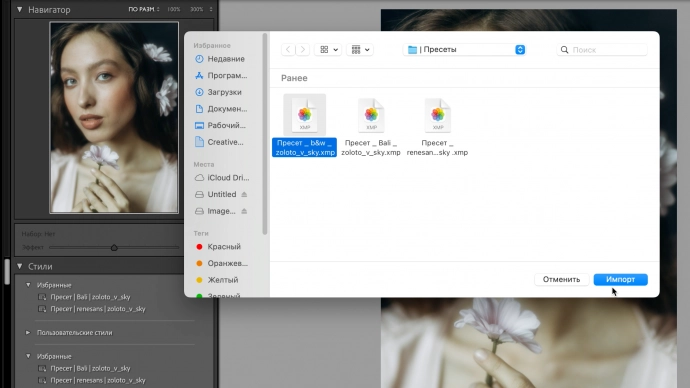
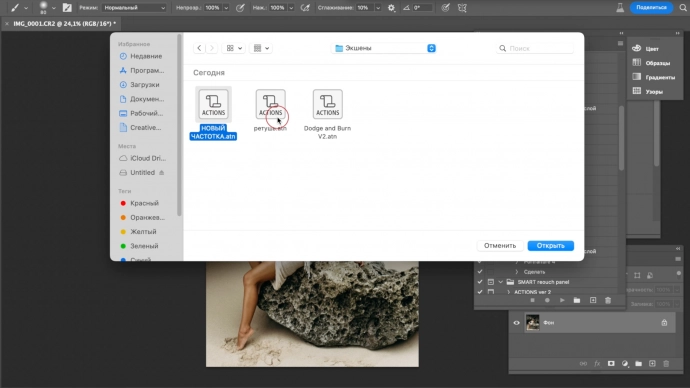
Block III. EDITING
This module will introduce you to the art of post-processing photographic material. You will learn how the process of natural retouching and perfecting a shot works. Additionally, you will be able to replicate the stages of color correction. This module will allow you to give your photos and videos an unparalleled look and style.
Lessons
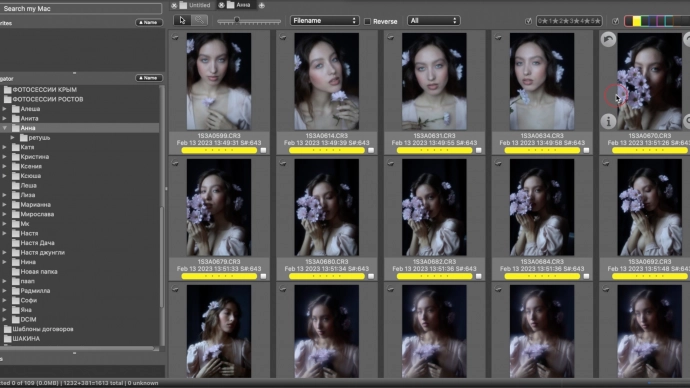
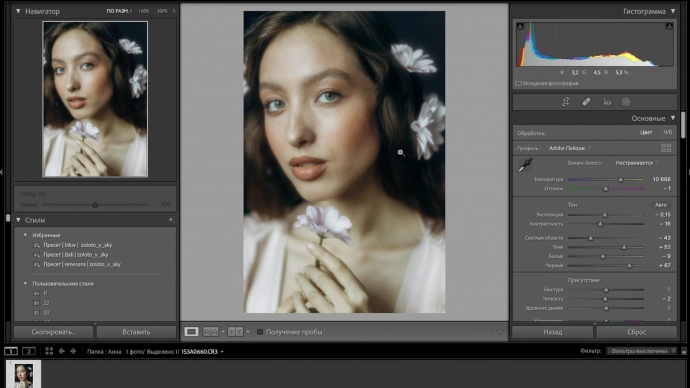
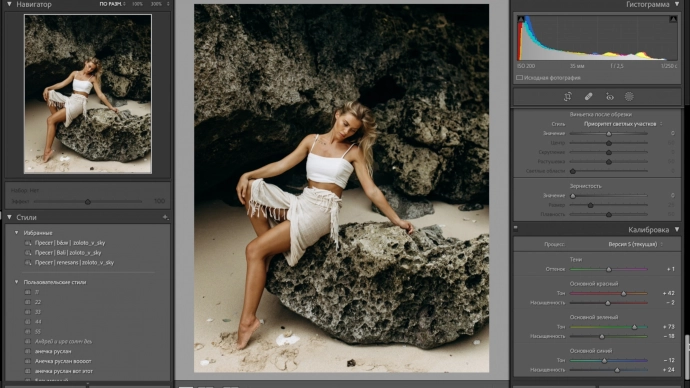
The main steps to create color like on the canvases of famous artists. Working in Lightroom.
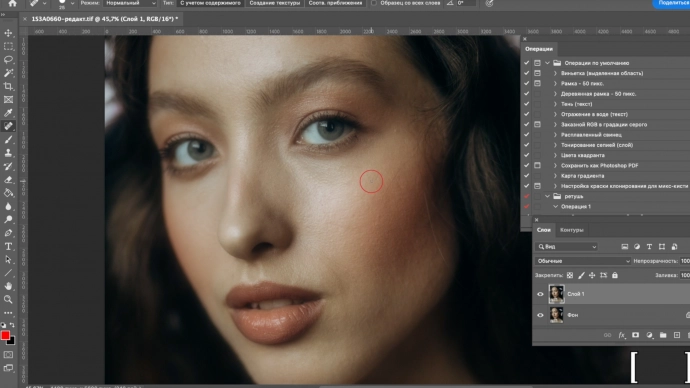
Learn how to do quick and natural retouching without the soapy effect. Create volume by drawing light and shadow. Automate processes.
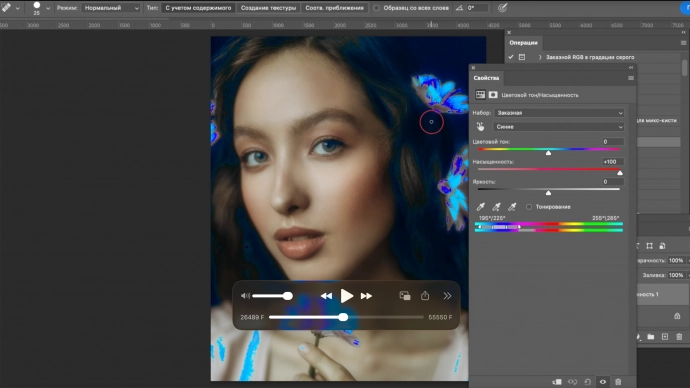
Enhancing color purity in a photograph using tools in Photoshop. How to achieve a natural skin retouching effect with the Imagenomic Portraiture plugin.
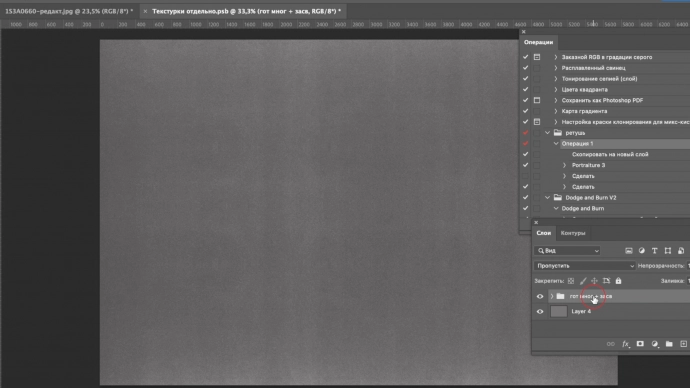
How to clean the space from unnecessary elements? How to naturally correct the figure?
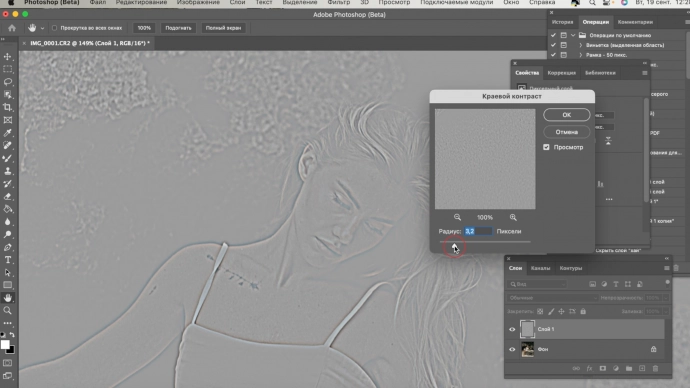
Add delicate sharpness only to the contours, without emphasizing imperfections.
Add delicate sharpness only to the contours, without emphasizing imperfections.